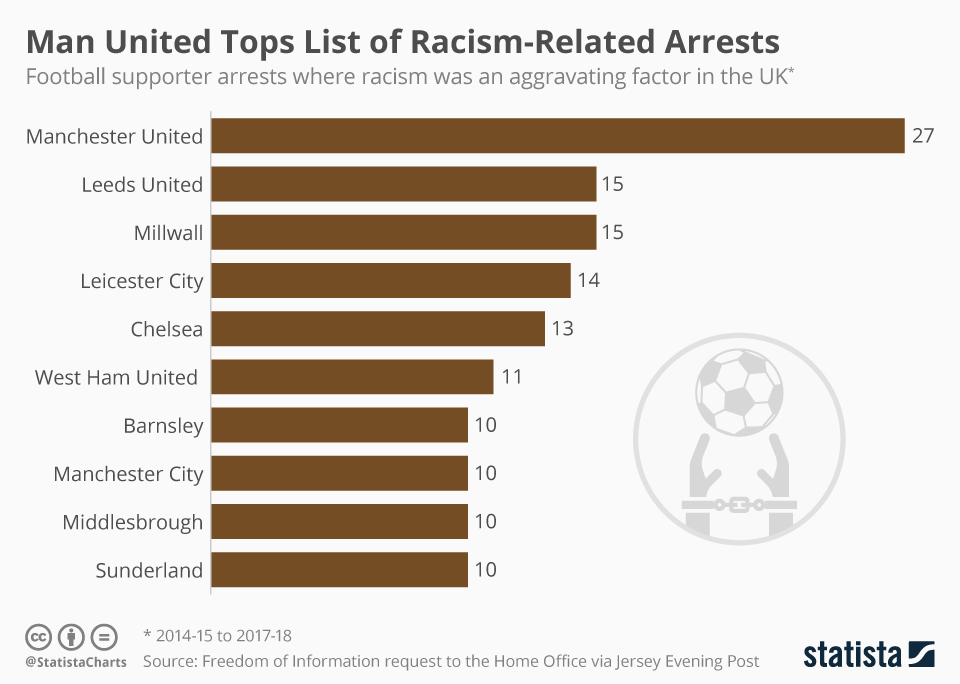
Man United Tops List of Racism-Related Arrests

Source: Statista

The Press Association has released data under a Freedom of Information Request which shows the number of football fans arrested by police where racism was a factor. In the four seasons from 2014-2015 to 2017-2018, Manchester United supporters were involved in the most arrests where racism was an aggravating factor – 27. Championship clubs Leeds United and Millwall came joint-second with 15 arrests each while Leicester had 14 and Chelsea had 13.

The figures show that there were 75 arrests at football matches in the 2017-18 season where racism was a factor. Manchester United cited the club’s large attendance figures for the arrests, stating that the percentage of supporters who were involved was miniscule. England and Manchester City forward Raheem Sterling has been one of the loudest voices against racism in the game and was allegedly targeted during a match against Chelsea last season. In April, the Crown Prosecution Service announced that there was insufficient evidence that the words were racially aggravated.
chartoftheday_18414_football_supporter_arrests_where_racism_was_an_aggravating_factor_n

Follr Support Series – How To Find Fans and Supporters Clubs

Follr contains community Websites for every sports team imaginable, soccer (AKA football), football (aka football), basketball, hockey, baseball and many other professionals, organizations and interest groups associated with the industry. The question is; how do you find one?

Please follow these steps – if you have additional questions give us a call on:

(888) 201-5160

or email:

info@follr.com

Step 1:

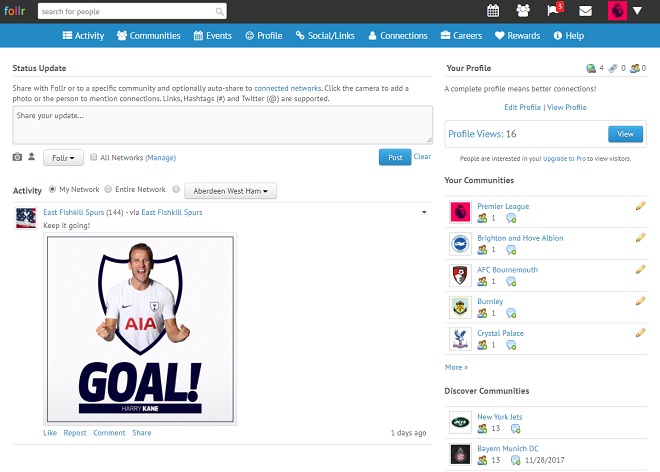
After you log into your Follr account you will see the Activity Screen:

Follr Support - Community Discovery 1

Step 2:

This screen highlights two places to find new communities:

(i) From the top menu you can click on “Communities”:

Follr Support - Community Discovery 3

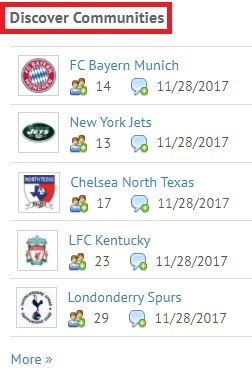
(ii) In the right panel you will see “Discover Communities”:

Follr Support - Community Discovery 2

Let’s look at both.

Step 3:

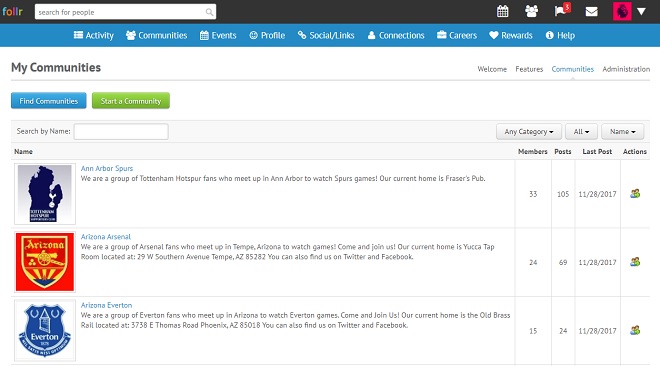
If you click on “Communities” from the top menu you see a page that by default shows you the communities you are currently a member of:

Follr Support - Community Discovery 4

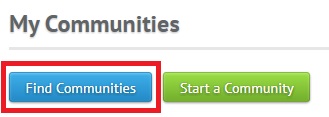
To discover new communities simply click on the “Find Communities” button:

Follr Support - Community Discovery 5

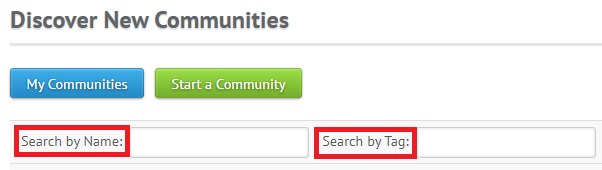
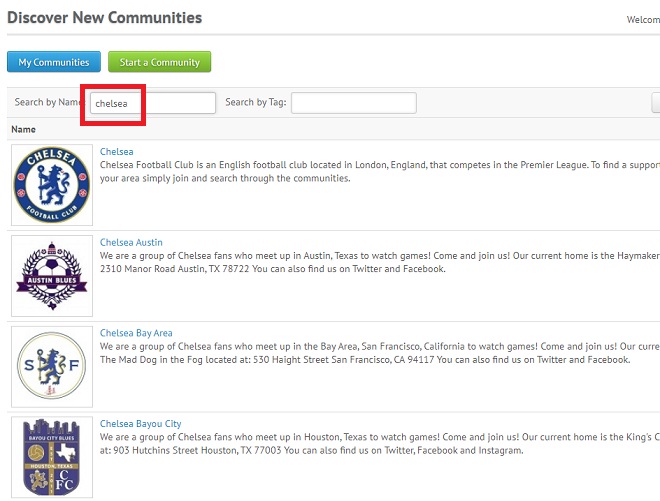
and then type any word into either the “Search by Name” or “Search by Tag” fields:

Follr Support - Community Discovery 6

As you enter text the results filter automatically:

Follr Support - Community Discovery 7

You can click on any of the search results and join the community. There isn’t a limit on how many communities you can join.

Step 4:

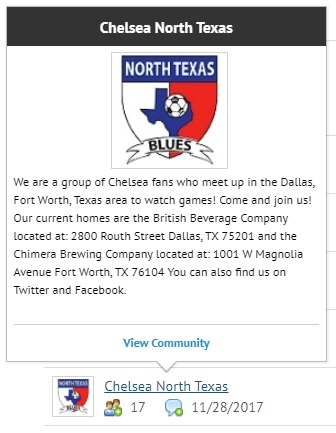
If you click the “More >>” link under the “Discover Communities” section in the right panel you go to the same page and through the same process as detailed in ‘Step 3’ above but there is an extra layer of help – a popup that provides details about a specific community:

Follr Support - Community Discovery 8

Again there isn’t a limit on how many communities you can join.