
- Appeal to Egos
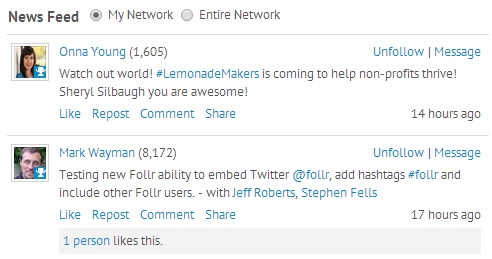
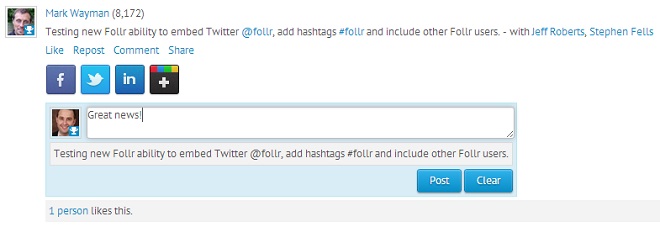
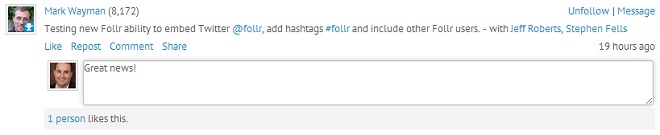
This may sound crass, but let’s be honest: online community members want to feel heard, accepted and praised. In order to do this you must appeal to strong self-interest. Keep in mind as you build your community and shape your group topics that members are first and foremost interested in satisfying their egos and being affirmed for their accomplishments.
- Take Baby Steps
It may be tempting to throw in a ton of features, sub-topics or apps to your online community or social network, but the key to initial community building is restraint. Members can get confused and overwhelmed if they visit your site for the first time and there are a million things to click on. For now, try to concentrate activity to just a few areas of your site. It will help create a visually active atmosphere.
- Connect With Your Core
Develop relationships with your key, core members. It’s important to establish a core group of members right away, and keep in contact with them throughout development. Tag them and/or communicate with them directly so they know you are acknowledging them as important members. They’ll feel appreciated (See #1) and stick around.
- Keep Up the Pace
You’re a few months in and things are rolling. You’ve got your core following, you’ve kept the site simple, and you are making members feel heard and appreciated. Congratulate yourself, but don’t slow down. In order to establish your community and continue growth, you need you sustain the momentum you have now. Keep adding content, keep connecting with existing members and continue to bring in new ones.
- MAKE Members Want to Come Back for More
Getting a member to join and peruse the site is one thing. Getting them to make a second visit and actually interact is a-whole-nother ball game. Engagement is one of the most important success metrics for online communities, so try to nail it now. Ask questions, provoke controversial discussions, encourage opinionated thinkers to chime in and provide incentives to revisit the group. Your goal is to make the community a staple of your members’ online activity.
Best of luck in your Online Community Building endeavors! Please feel free to share your trials and successes with us. We love to hear from you!