
Follr contains community Websites for every sports team imaginable, soccer (AKA football), football (aka football), basketball, hockey, baseball and many other professionals, organizations and interest groups associated with the industry. The question is; how do you create one?
Please follow these steps – if you have additional questions give us a call on:
or email:
Step 1:
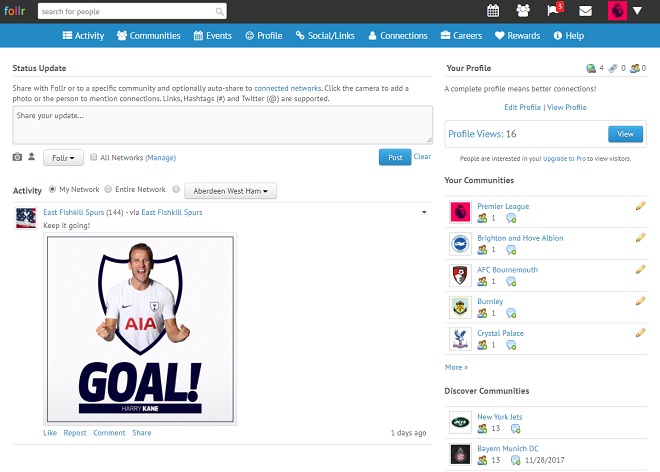
After you log into your Follr account you will see the Activity Screen:
Step 2:
This screen highlights two places to see communities:
(i) From the top menu you can click on “Communities”:

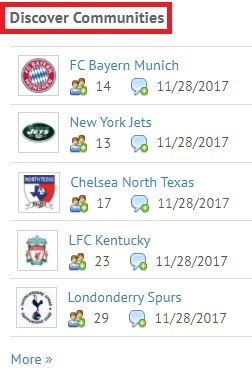
(ii) In the right panel you will see “Discover Communities”:
Step 3:
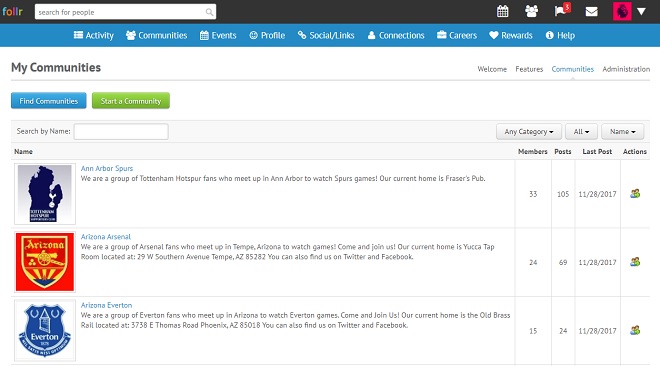
If you click on “Communities” from the top menu you see a page that by default shows you the communities you are currently a member of:
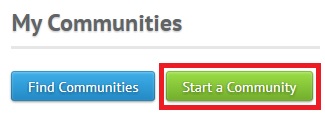
To create a new community simply click on the “Start a Community” button:
Step 4:
You will then see the “Start a Community” page:
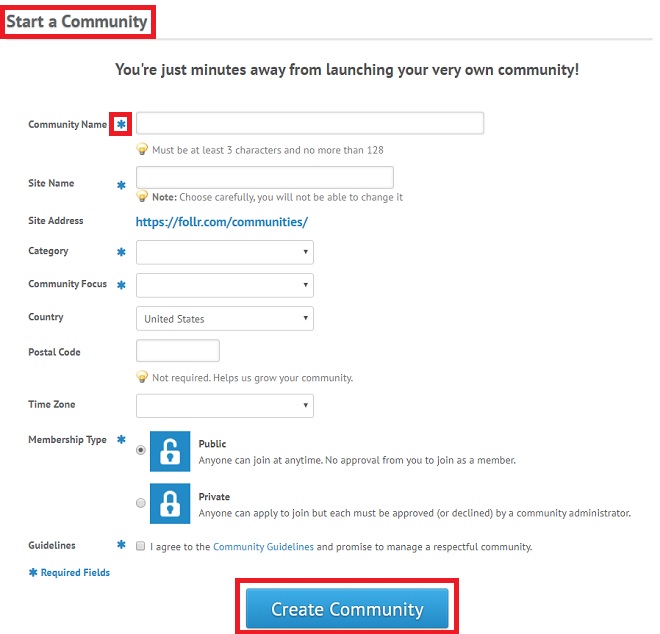
Simply fill in the information and click the “Create Community” button at the bottom of the page.
Note:
(i) All fields marked with an asterisk have to be completed.
(ii) There isn’t a limit on how many communities you can create.
